Playback
Plane Finder has the oldest historical aviation database in the industry. With the Playback feature, you can access flights going back to 2011 on your iPhone and iPad.
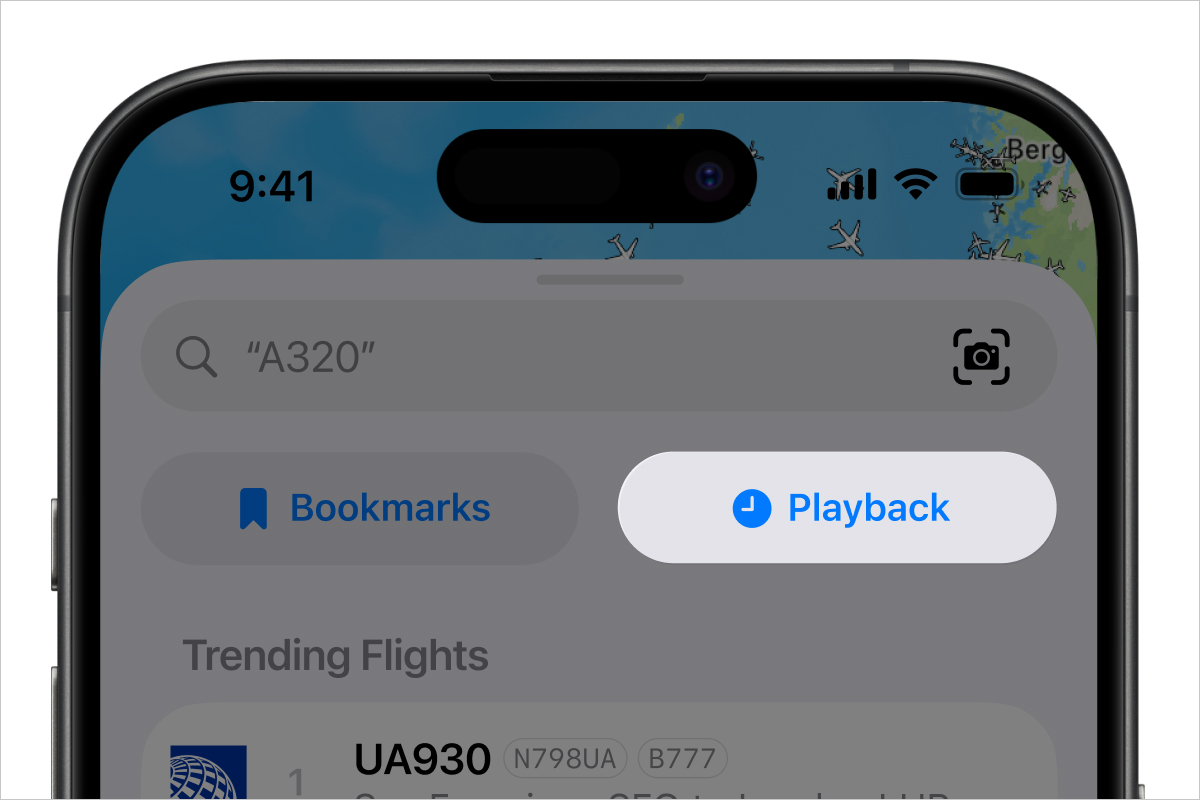
- Tap the Live Map button on the tab bar at the bottom of the screen.
- Swipe up to reveal the Playback button
- Tap the Playback button
- Set a timezone
- If you select Airport Timezone, tap the Timezone name that appears and search for the airport you're interested in.
- If you would like the map to centre on this airport, tap the button to the right
- Set a Date and Time that you would like the playback to use
- Select the Speed you would like the playback to use
- Tap the Start button in the top right hand corner
Need further help? To contact our support team via email please tap here
Was this article helpful?
That’s Great!
Thank you for your feedback
Sorry! We couldn't be helpful
Thank you for your feedback
Feedback sent
We appreciate your effort and will try to fix the article